Wednesday, April 24, 2013

DMC


Category #15: DMC

This is for a local stylist and soon to be designer Desmon Keeton. Since this is for his future collection, I thought this would be perfect for the "selling" category. I took the photo, but I did not do the touch up on her face.

The original picture was really brown so I used the adjustment layers to make the whole thing a blueish white. I then masked her skin out to not make her skin blue. I wrote the words out using a downloaded font. I went to paragraph and used kerning to bring the letters together.

Bueno!


Category #14: Bueno!

A random guy I named Bueno! I used the ellipse tool to make his body. I used the pen tool to make the mouth. I made the rings around the eye with the ellipse tool. For the iris, I used the pathfinder tool and used trim to get rid of most of the black. From there, copied it from illustrator and saved it as a smart object in photoshop and duplicated that layer. Made the image a little bit bigger. Added a motion blur, switched the layers around so the original layer was above the motion blur. Then added the text at the bottom.

Purples


Category #8: Purples

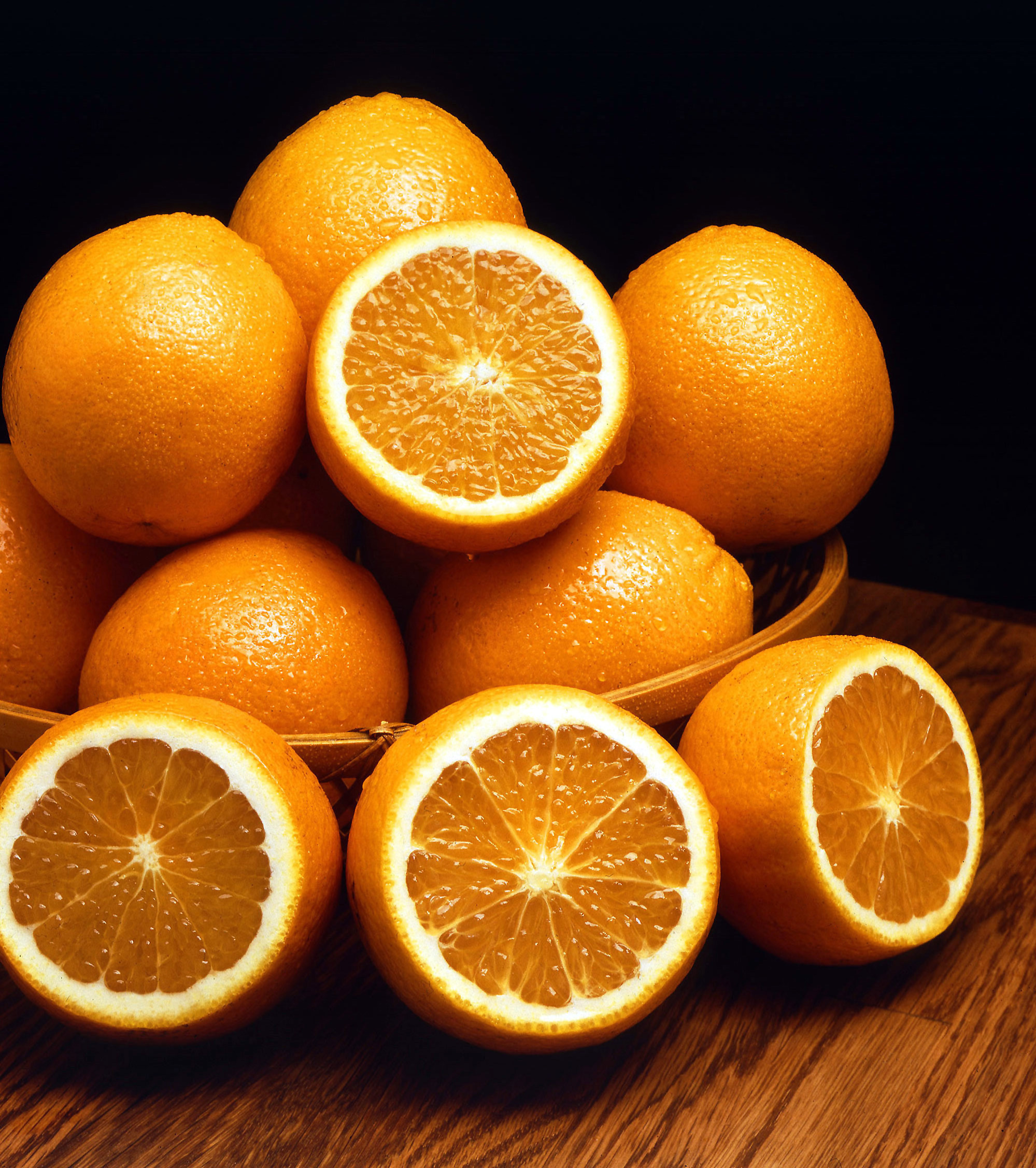
This is what purples would like if oranges never existed. They seem pretty delicious.


I duplicated the layer and desaturated it. Made a new layer. Switched the blend mode to color. Then colored over it with the brush tool using the purple color in my swatches.

Bella


Category #13: Bella

I was over my cousins' house and got the pleasure of watching her cook me some dinner with her Dora oven, using her spiderman glove. Such a lovely contradiction. I took this photo on my iPhone.

I used the motion blur, then masked out the motion blur on her. I used photo filters to make it more pink. I then duplicated the layers and desaturated one of them to create the b&w at the bottom of the image. Used the stroke around the edge, set it to “inside” because instead of it being a color stroke it’s a gradient stroke. 


Birds by Max Ernst


Category #10: an enhancement of the original work named "Birds" by German artist Max Ernst

Ernst has always been an inspiration to me with his somewhat odd view of the world. I find it beautifully interesting. 

I duplicated the layer,  added a motion blur, added a purple photo filter, added a layer mask on top of the photo filter. I then used the mask to mask out the photo filter over the scarecrow, the snake, the dog or bull, the fish, the bottle. I did this because there is already so much emphasis on the birds in the original artwork that I wanted to showcase the surrounding elements a bit more.  I also messed with the levels and curves a bit.

Money Over Going To The Beach

Category #4: Money Over Going To The Beach

A possible future t-shirt design for a friend.

Beach photo can be found here: http://www.thegeminigeek.com/wp-content/uploads/2010/09/Las-Islas-C%C3%ADes.jpg

Character I created called The Butler in Illustrator and copied it into Photoshop. I made 3 clipping masks for each word and for the diamond in his eye. I had to try and line up the picture the same way as perfectly as I could. 

Take Her Clothes Off


Category #7: Take Her Clothes Off

I was looking at this photo I took of my friend's ex-girlfriend, and got the random idea of making an attempt to make her look naked. 

In this photo I used the stamp tool and patch tool to get rid of all her clothes.